Spring AI
版本信息
| 组件 | 版本 |
|---|---|
| JDK | 25 |
| Maven | 3.9.12 |
| SpringBoot | 4.0.5 |
| SpringAI | 2.0.0-M4 (等后续GA) |
| SpringAI Alibaba | 2.0.0(等待发布) |
| Model | OpenAI(DeepSeek、Qwen 兼容 OpenAI API) |
基础配置
添加依赖
xml
<properties>
    <spring-ai.version>1.1.2</spring-ai.version>
</properties>
<dependencies>
    <!-- Spring AI - OpenAI 依赖 -->
    <dependency>
        <groupId>org.springframework.ai</groupId>
        <artifactId>spring-ai-starter-model-openai</artifactId>
    </dependency>
</dependencies>
<dependencyManagement>
    <dependencies>
        <dependency>
            <groupId>org.springframework.ai</groupId>
            <artifactId>spring-ai-bom</artifactId>
            <version>${spring-ai.version}</version>
            <type>pom</type>
            <scope>import</scope>
        </dependency>
    </dependencies>
</dependencyManagement>编辑配置
免费使用 API Key:GPT_API_free
yaml
---
# Spring AI 配置
spring:
  ai:
    openai:
      base-url: https://api.chatanywhere.tech
      api-key: ${OPENAI_API_KEY}
      chat:
        options:
model: gpt-4o-mini基础使用
controller创建
java
package io.github.atengk.ai.controller;

import org.springframework.ai.chat.client.ChatClient;
import org.springframework.web.bind.annotation.GetMapping;
import org.springframework.web.bind.annotation.RequestMapping;
import org.springframework.web.bind.annotation.RequestParam;
import org.springframework.web.bind.annotation.RestController;
import reactor.core.publisher.Flux;

@RestController
@RequestMapping("/api/ai")
public class BaseChatController {

    private final ChatClient chatClient;

    public BaseChatController(ChatClient.Builder chatClientBuilder) {
        this.chatClient = chatClientBuilder.build();
    }

}最基础的同步对话
java
/**
 * 最基础的同步对话
 */
@GetMapping("/chat")
public String chat(@RequestParam String message) {
    return chatClient
            .prompt()
            .user(message)
            .call()
            .content();
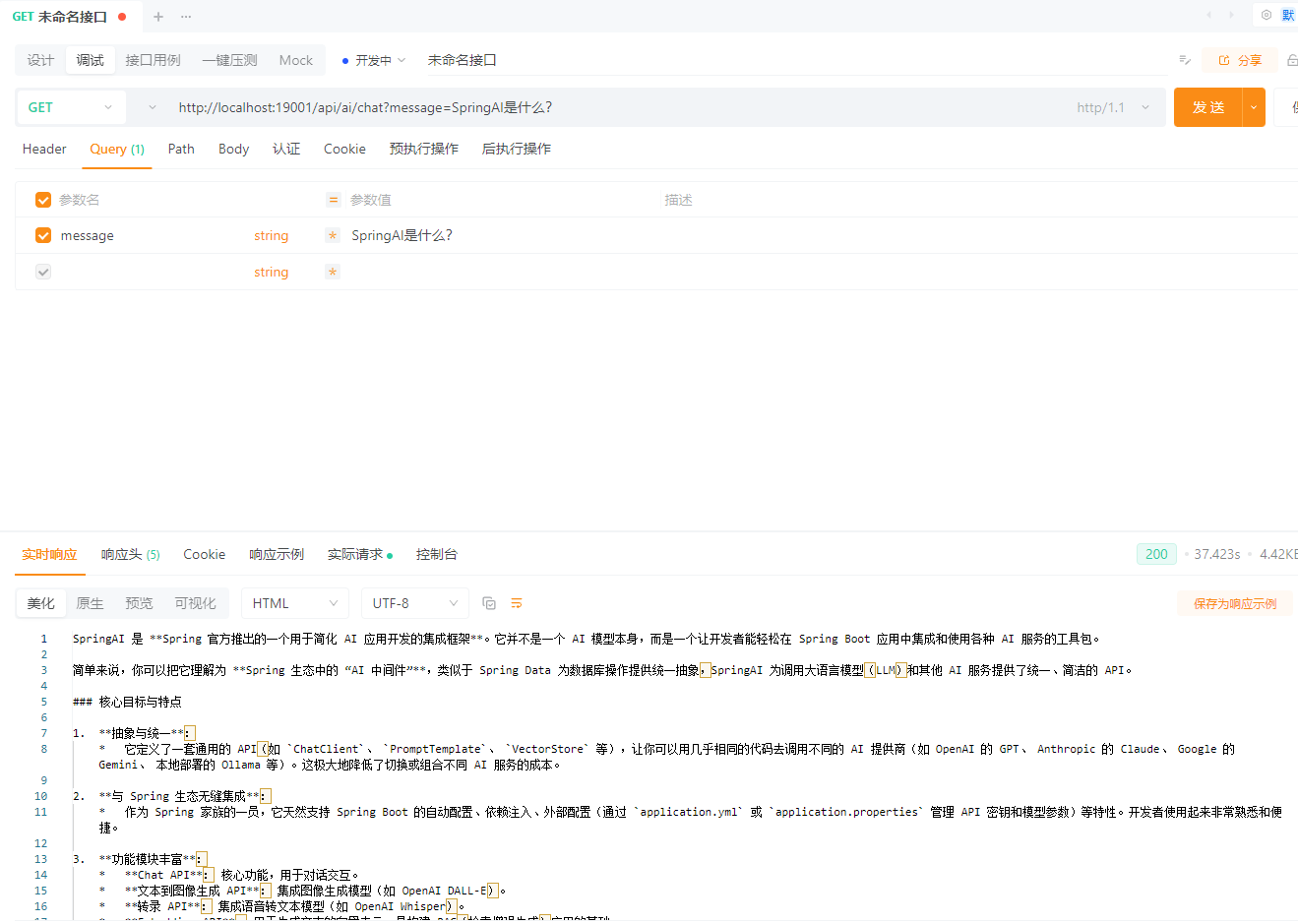
}GET /api/ai/chat?message=SpringAI是什么?
流式对话(SSE / WebFlux 场景)
java
/**
 * 流式对话(SSE / WebFlux 场景)
 */
@GetMapping("/chat/stream")
public Flux<String> stream(@RequestParam String message) {
    return chatClient
            .prompt()
            .user(message)
            .stream()
            .content();
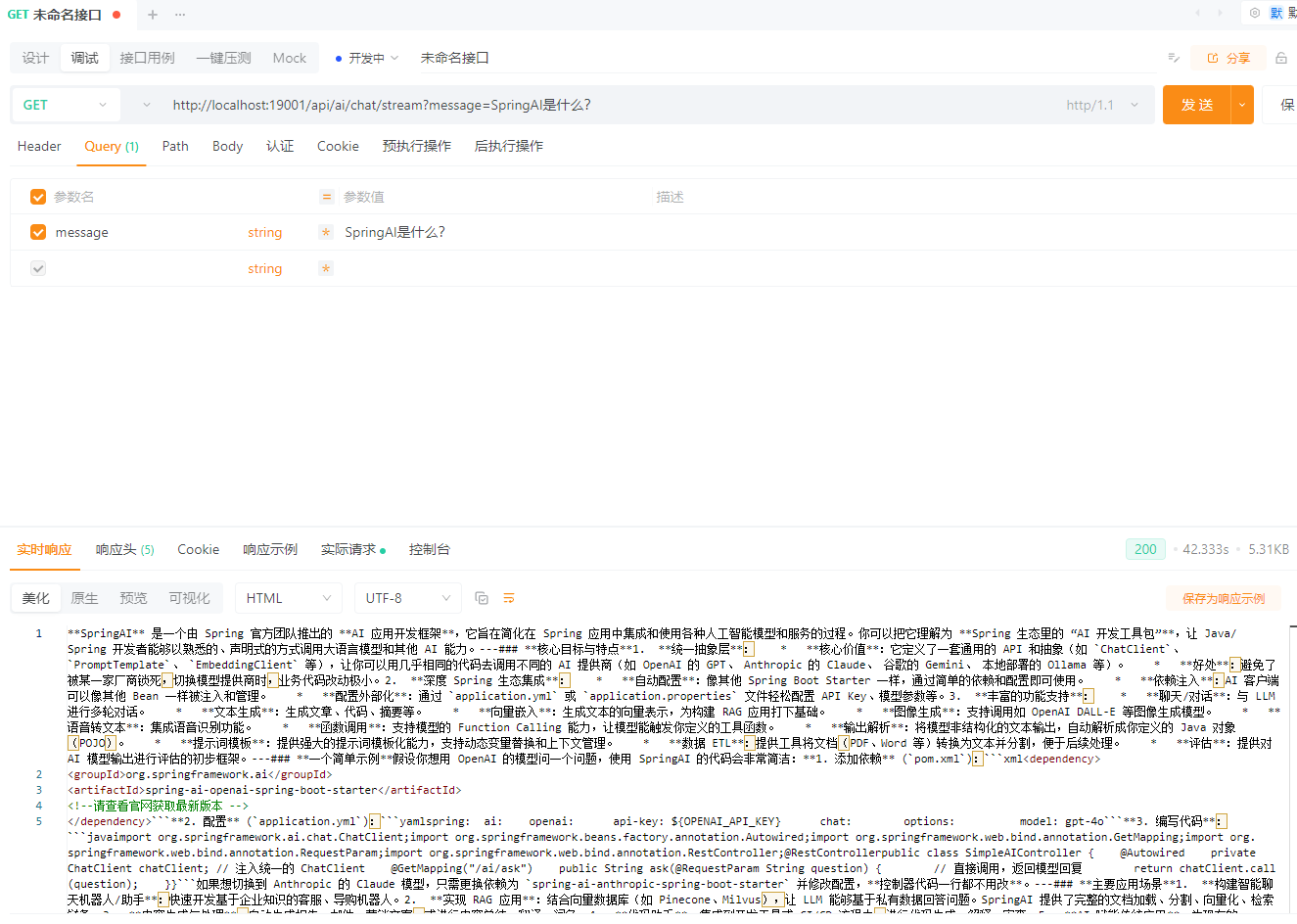
}GET /api/ai/chat/stream?message=SpringAI是什么?
带 System Prompt 的基础用法
java
/**
 * 带 System Prompt 的基础用法
 */
@GetMapping("/chat/system")
public String chatWithSystem(
        @RequestParam String system,
        @RequestParam String message) {

    return chatClient
            .prompt()
            .system(system)
            .user(message)
            .call()
            .content();
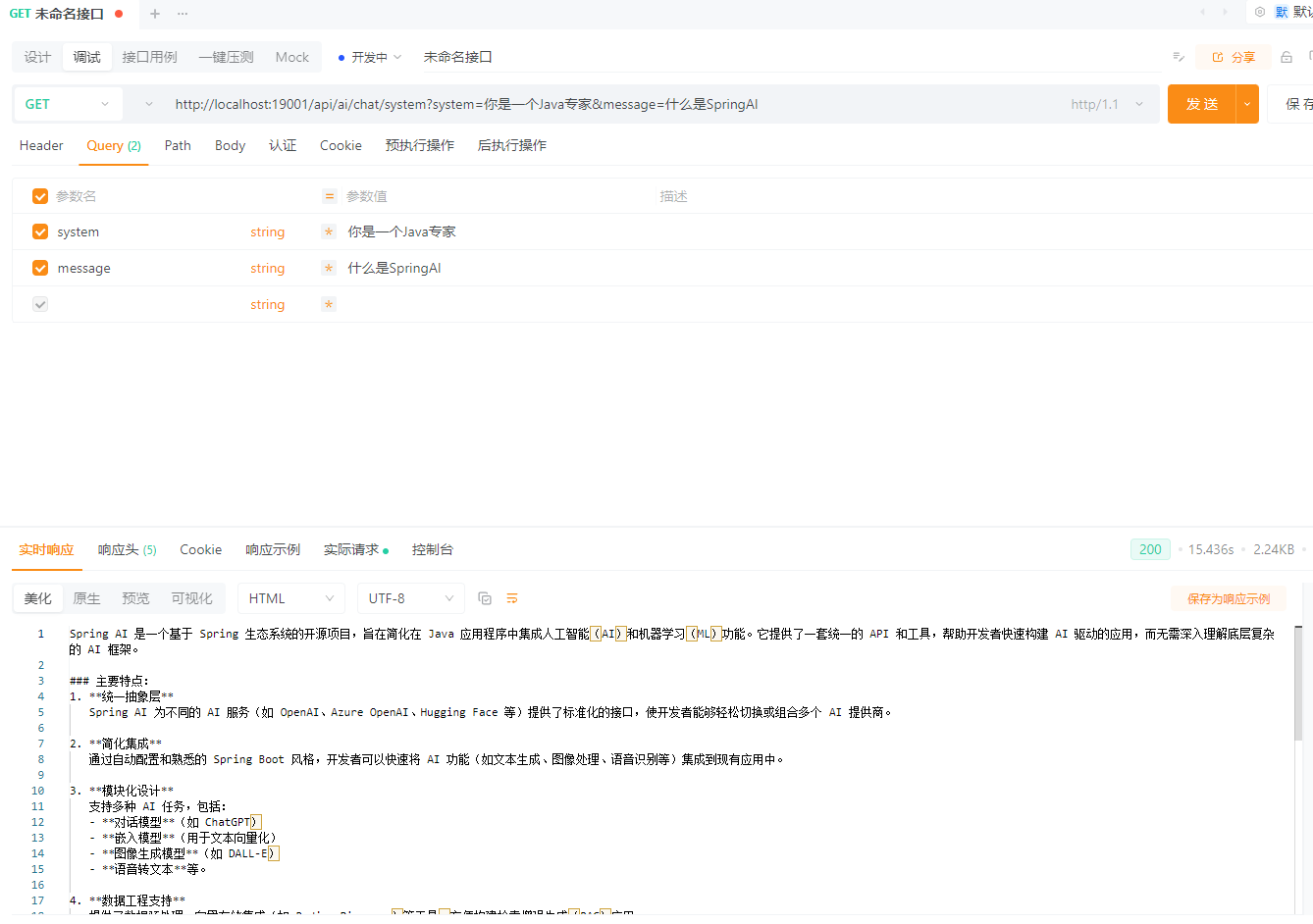
}GET /api/ai/chat/system?system=你是一个Java专家&message=什么是SpringAI
使用 Prompt Template 的基础示例
java
/**
 * 使用 Prompt Template 的基础示例
 */
@GetMapping("/chat/template")
public String chatWithTemplate(
        @RequestParam String topic,
        @RequestParam(defaultValue = "Java") String language) {

    return chatClient
            .prompt()
            .user(u -> u.text("""
                    请用 {language} 的视角,
                    解释一下 {topic},
                    并给出一个简单示例
                    """)
                    .param("topic", topic)
                    .param("language", language)
            )
            .call()
            .content();
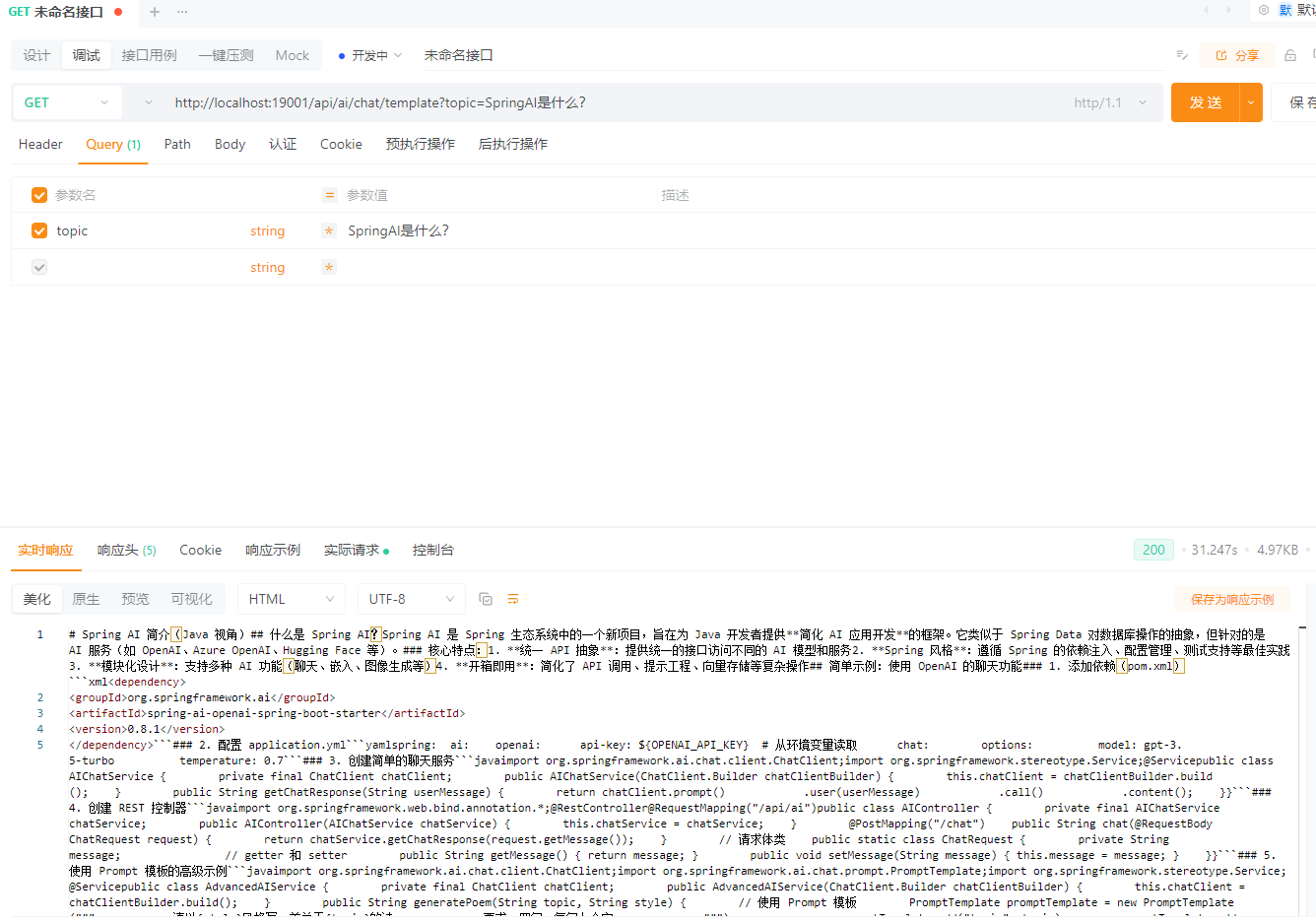
}GET /api/ai/chat/template?topic=SpringAI是什么?